
Everything your district needs to schedule strategically
From defining your scheduling priorities to tracking results, Timely covers the whole process.

SYNC
Timely connects to your SIS and pulls in students, staff, courses, rooms, and course requests.

DEFINE
Define what matters most: IEP and EL requirements, shared prep periods, class sizes, and more.

assign
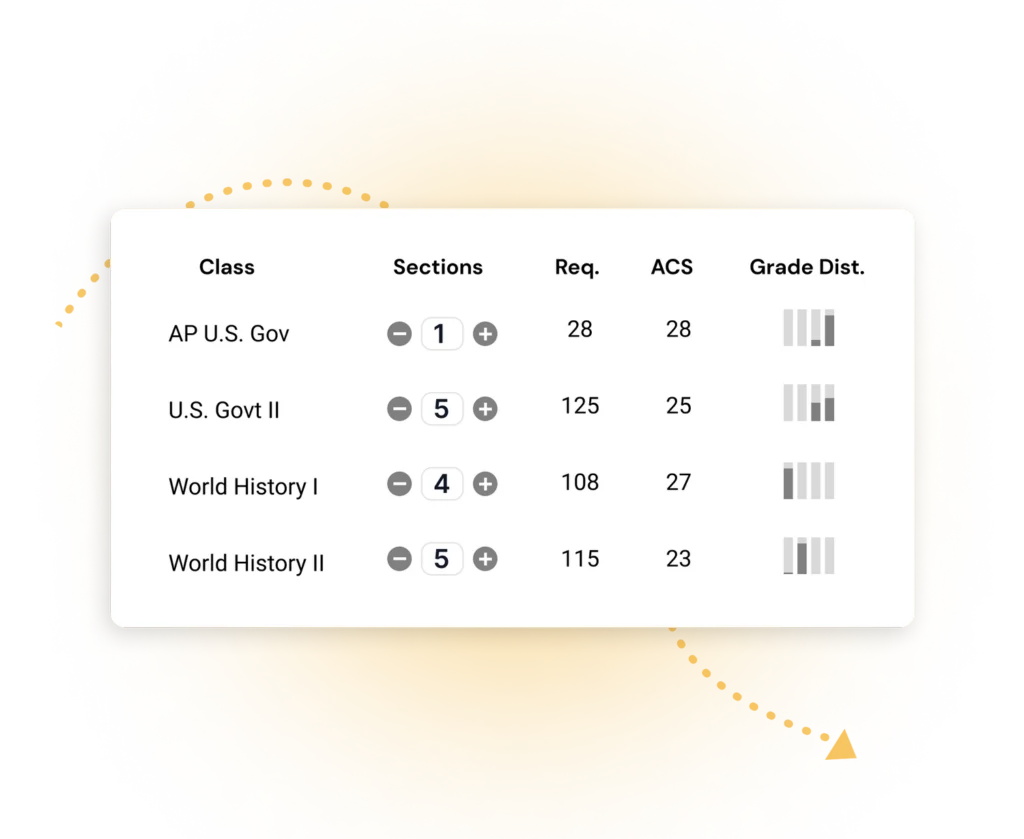
Understand the efficiency and instructional impact of every staffing choice in real time.

OPTIMIZE
Timely evaluates millions of possibilities and builds complete student and staff schedules.

REFINE
Experiment freely until you land on the schedule that works best for your students and staff.

PUSH
When your schedule is ready, it pushes directly back to your SIS with no manual re-entry.
Your priorities set the foundation
Decide what your schedule should accomplish before a single section is placed. Your goals, priorities, compliance requirements, and staffing intentions shape the schedule from day one.
Load courses, staff, rooms, and bell schedule configurations in one place. Know exactly what you’re working with before optimization begins.
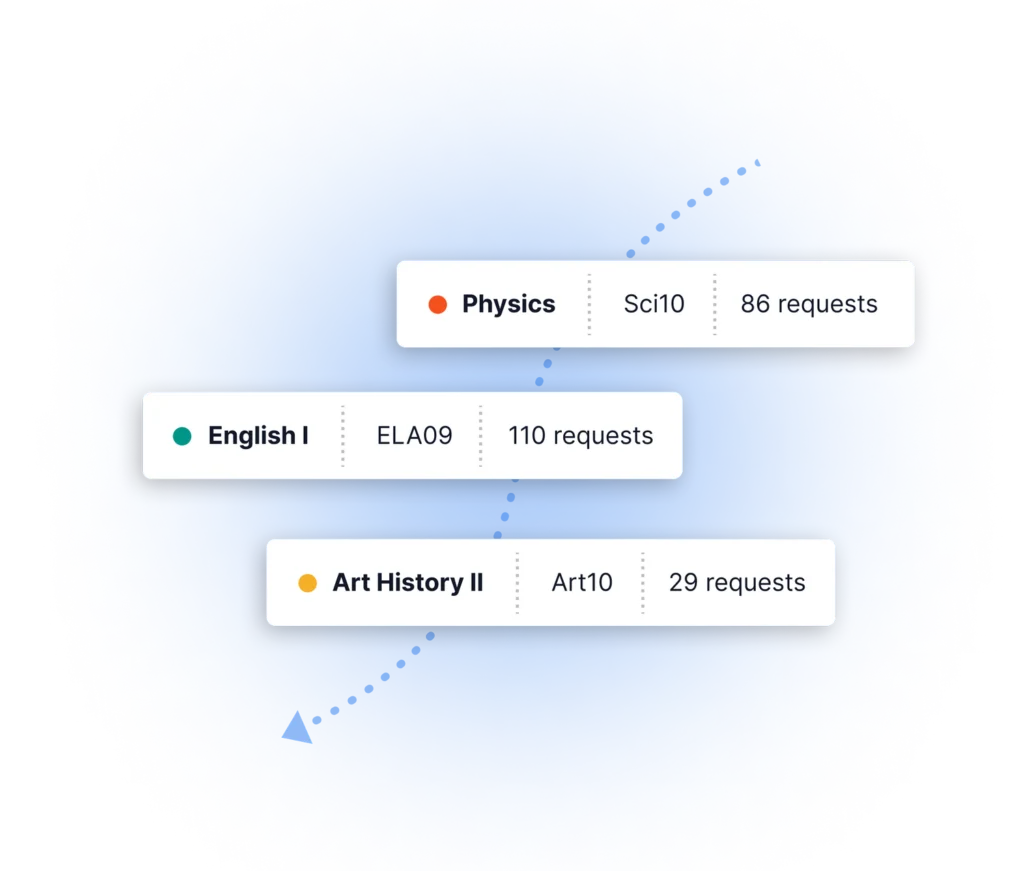
Review quality, gaps, and demand patterns across all student requests before scheduling begins. Resolve problems before they become conflicts.
Define IEP, 504, and EL placement parameters up front. Timely carries those requirements into every section it builds.
Build schedules that work for every student
Students with the highest needs shouldn’t end up in whatever space is left. Timely builds inclusion into the optimizer so every student’s requirements are honored.
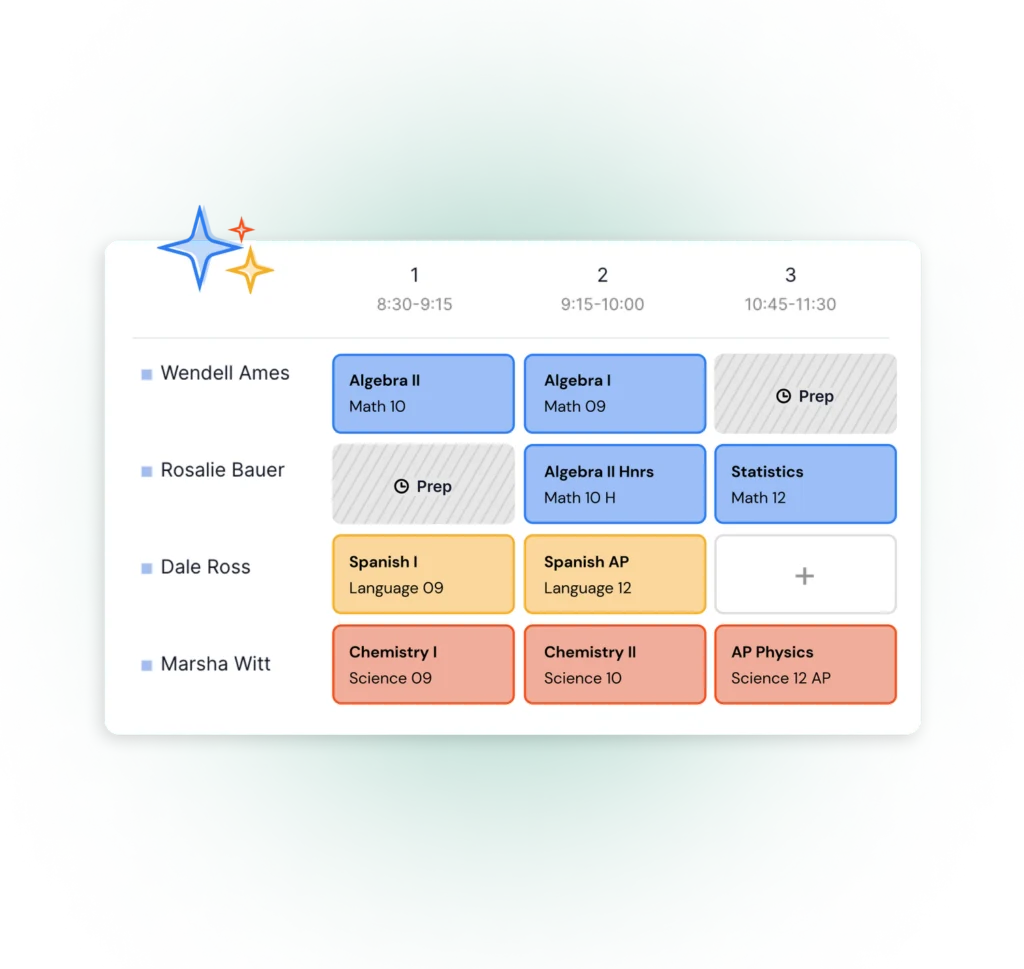
Set how many sections are designated for inclusion and how many students each can hold. Timely distributes students across the model automatically.
Assign your co-teaching teams up front. Timely places their sections where the most students can access the support they need.
Tag students by support need — IEP, MLL, gifted — and set placement rules. The optimizer ensures they land in the right sections automatically.
See options you never could before
Stop committing blind. Run as many scenarios as you need, compare the trade-offs, and decide what works best with confidence.
Create as many schedule versions as you need. Compare results side-by-side and experiment freely without losing previous work.
After optimization, Timely surfaces unresolved issues and points you to exactly where adjustments are needed — so you spend time fixing, not finding.
Zoom into specific teachers, students, or sections to analyze patterns, compare loads, and make targeted changes without losing the big picture.
Place individual students or sections manually with full visibility into available slots and potential conflicts before you commit.
Ready to see it in action?
Let’s talk about your district. Book a 30-minute conversation today.
Talk to our team